Editing for late breaking news in case some poor soul encounters this and so they don't have to read through the entire resulting discussion. I'll leave the original post below, but update with my current (maybe ulitmate) solution.
Vienna Symphonic Library is designed for professionals and has some less expensive versions targeted to more casual users. They expect the pro's will heavily tweak the sound to their needs and provide an array of tools to do so. The Essentials and Standard versions differ from Full in that there are fewer microphones to customize and some other things. Other than that, as far as I can tell, the full array of sound manipulation tools (compressors and the like) are present.
Pardon my shaky use of industry jargon. 😉
Summary/Updates
Goal: My standalone VSL's will sound like a "real" piano in terms of dynamics with my system/audio interface volumes at mid-setting (50% / halfway.) This is for "day to day" use as an amateur. I have a DAW and I can use the same solution there, but DAW's offer similar tools that can apply across all plugins. If that's how you roll, you'll probably use those tools for consistency.
Problem: In the Synchron Piano app and plugins, turning the volume on the Play page to max and upping the master in the Mix page wasn't sufficient to my needs. And, I discovered this was a common issue for people getting started with the product. It's not ideal to have your system output or audio interface output turned to max when you're playing your VSL piano.
Two approaches. Each has its pros and cons. I'll start with the one that I like.
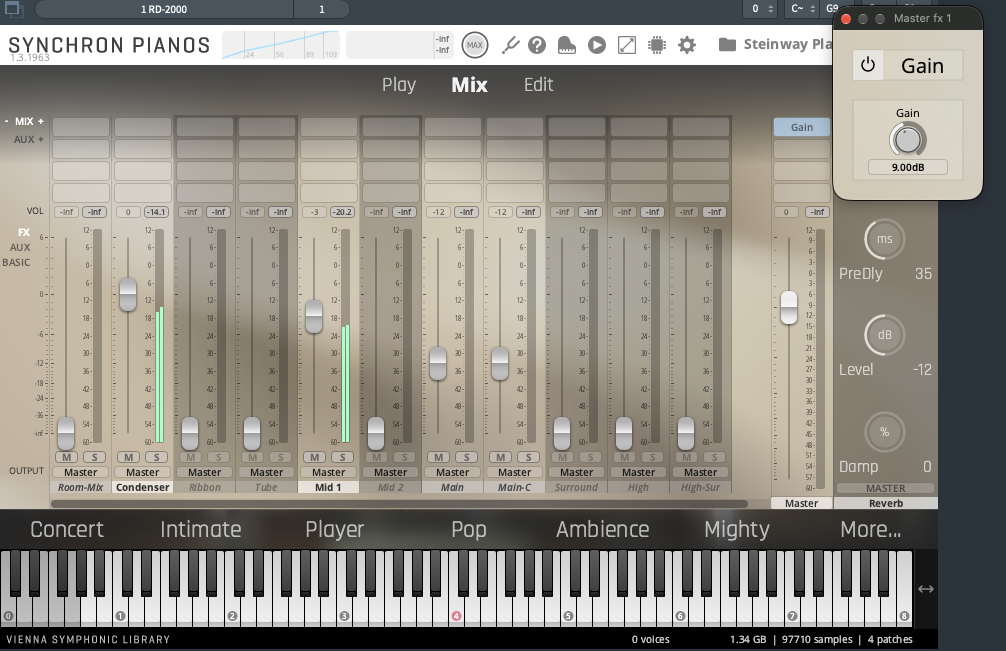
Use the Gain FX tool in the Mix page to increase the loudness. It does the trick. The risk is for clipping. You don't want to see red in the meters when playing as loud as possible. I turned mine up to 9 db and just barely get into the yellow. Monitor the Master meter to ensure you don't exceed yellow when playing loud.
Use the Compressor and Limiter to compress the dynamic range and to up the perceived loudness while setting a clipping limit. The Original Post below covers that. What gives me qualms about that is that I want as much of the recorded sound in all its glory for the preset I've selected. I don't want to inadvertently squish out the good stuff.
Original Post
OK, thanks to Claude, I know now that the best way a way to fix this is to apply a compressor and a limiter. I didn't really WANT to deal with this stuff, but it was necessary and it works. I can play my keyboard with my system/audio interface/keyboard at mid-range now instead of maxxed out.
There's an entire thread on low volume with Synchron Players (not just pianos) on the VSL Forum here.
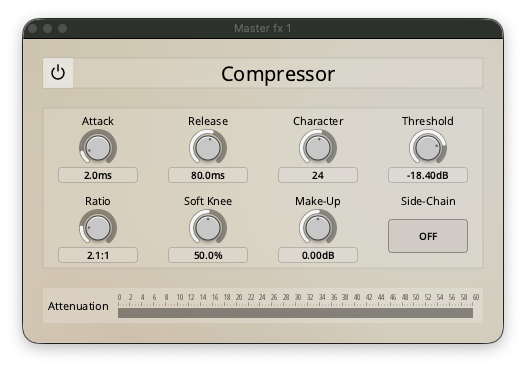
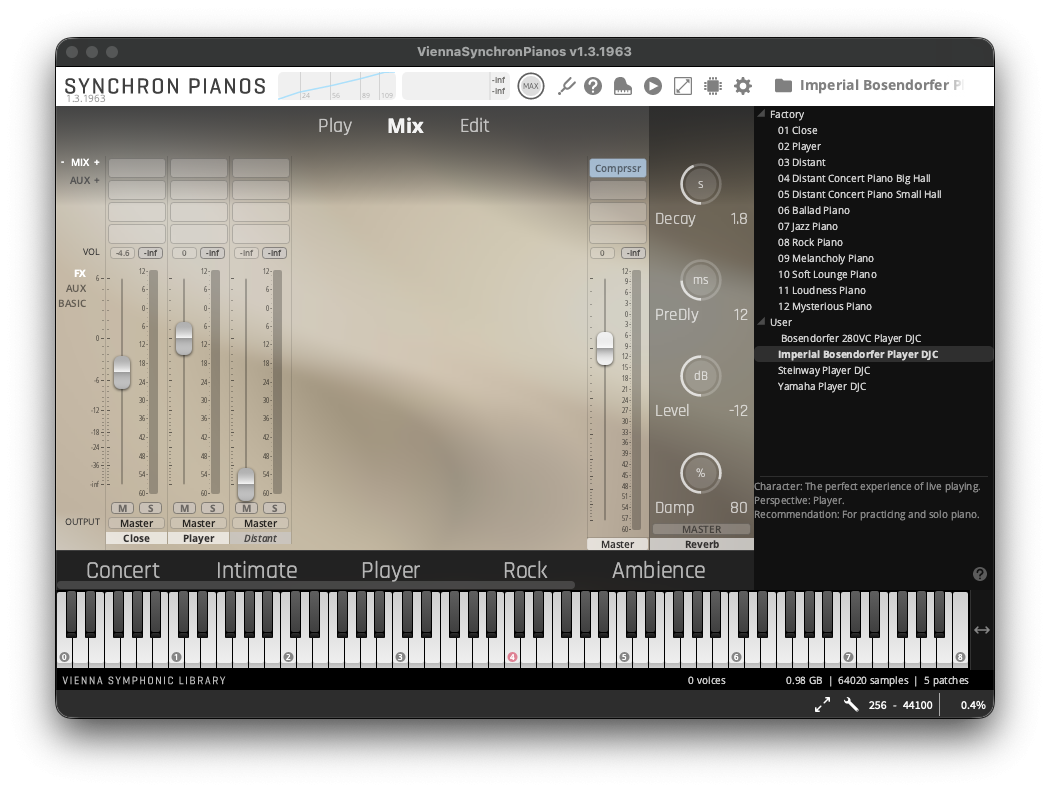
It seemed only a compressor was necessary. This can be done in the Standalone Synchron Player. You get to it in the Mix view and then click the little FX dealie at the far left. I chose to apply it to the master rather than each microphone channel, which you can do.
Claude suggested some ratio between 2.1 and 3.1 and to change the threshold setting so that when you struck notes loudly, they were within 3-6 in the Attenuation meter. -18.40 seems to do the trick for me. There were also values suggested for attack and release and I decided not to change those.
Save this to a user preset and next time you use the instrument, choose that preset and you're good to go.
If you want to use a limiter, it's also an FX selection. But compression seemed to do the trick so I left it at that (though I did fool around with the limiter separately and in combination.)
You can do this in the plug in too, or apply any compressor/limiter you have in your DAW.
I've done some test recordings via OBS and the results are GREAT!